This guide provides step-by-step instructions for using the Rampp.ai platform to integrate Slack and Salesforce.
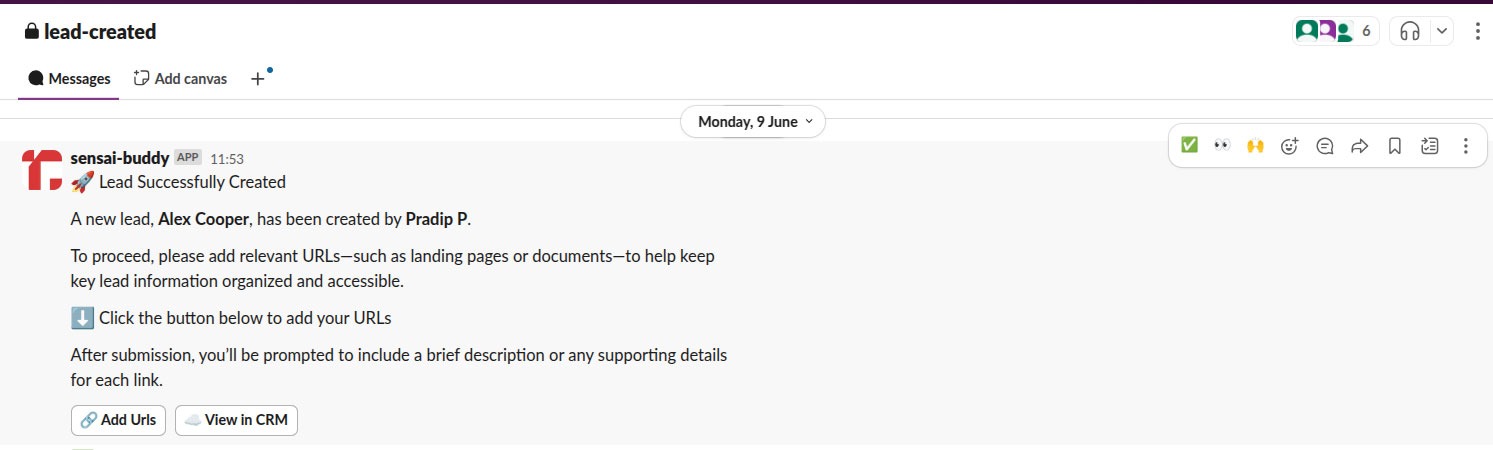
Our Slack integration seamlessly connects Salesforce with Slack, bringing critical user activity updates and task notifications directly into your team’s workspace. By eliminating the need to constantly switch between platforms, we help teams stay focused, aligned, and responsive — all within Slack.
With this integration, your team gets real-time visibility into Salesforce activities, faster collaboration, and quicker follow-ups on important tasks.
System Requirements:
Before you begin the installation process, ensure that your environment meets the following requirements:
- Access to a Slack administrator instance.
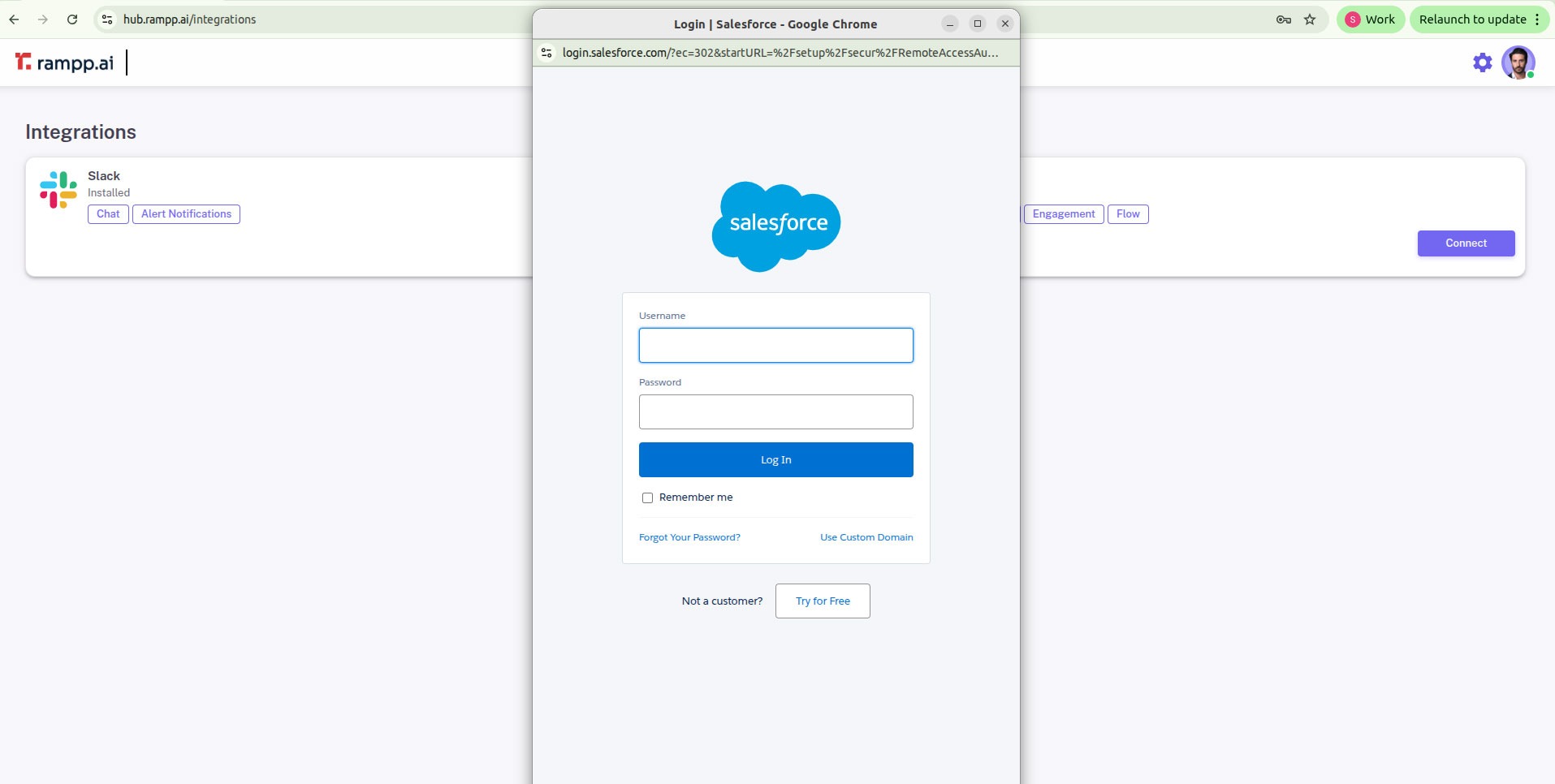
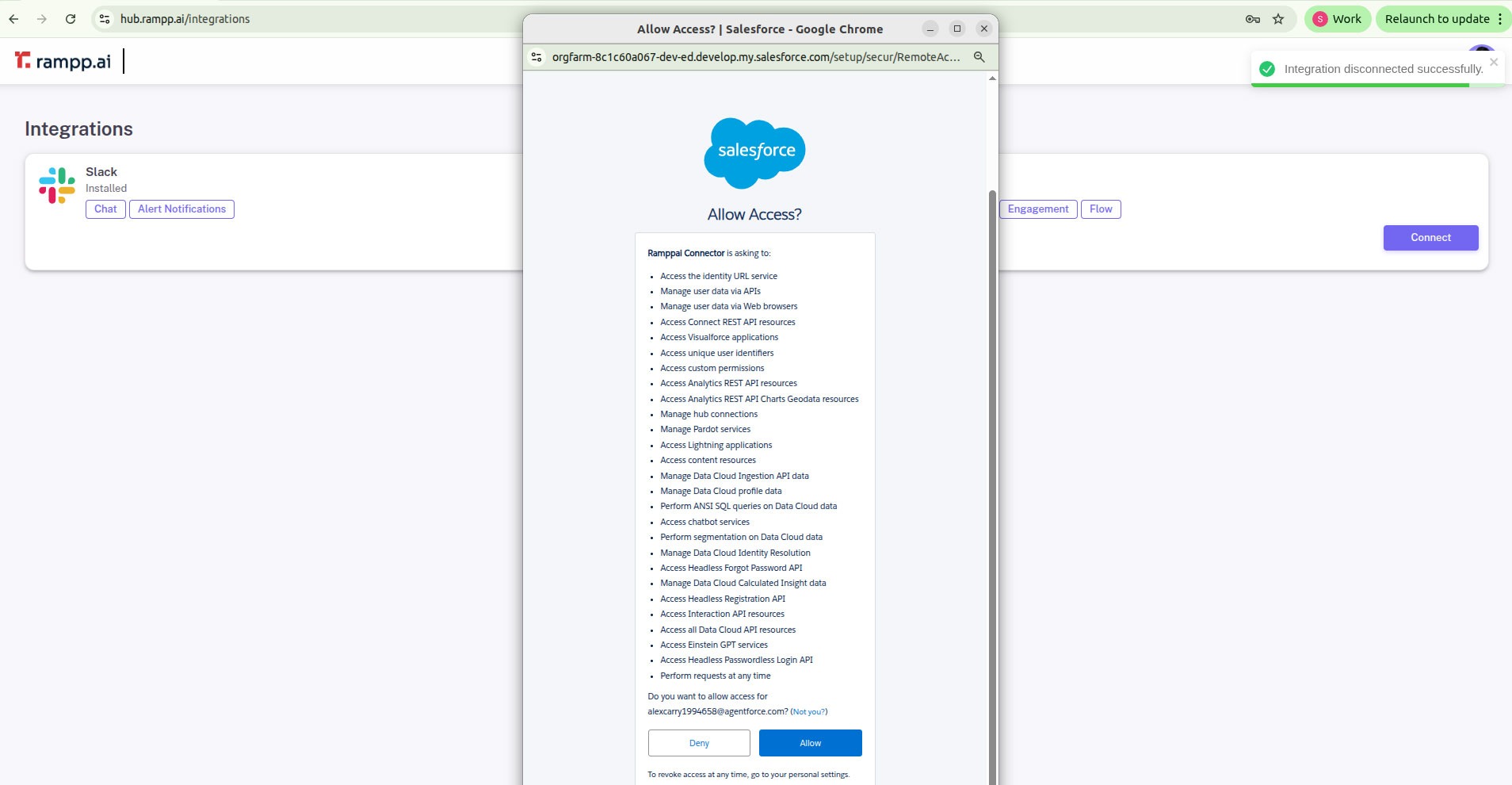
- Ability to authorize Rampp.ai platform in Salesforce as an admin.
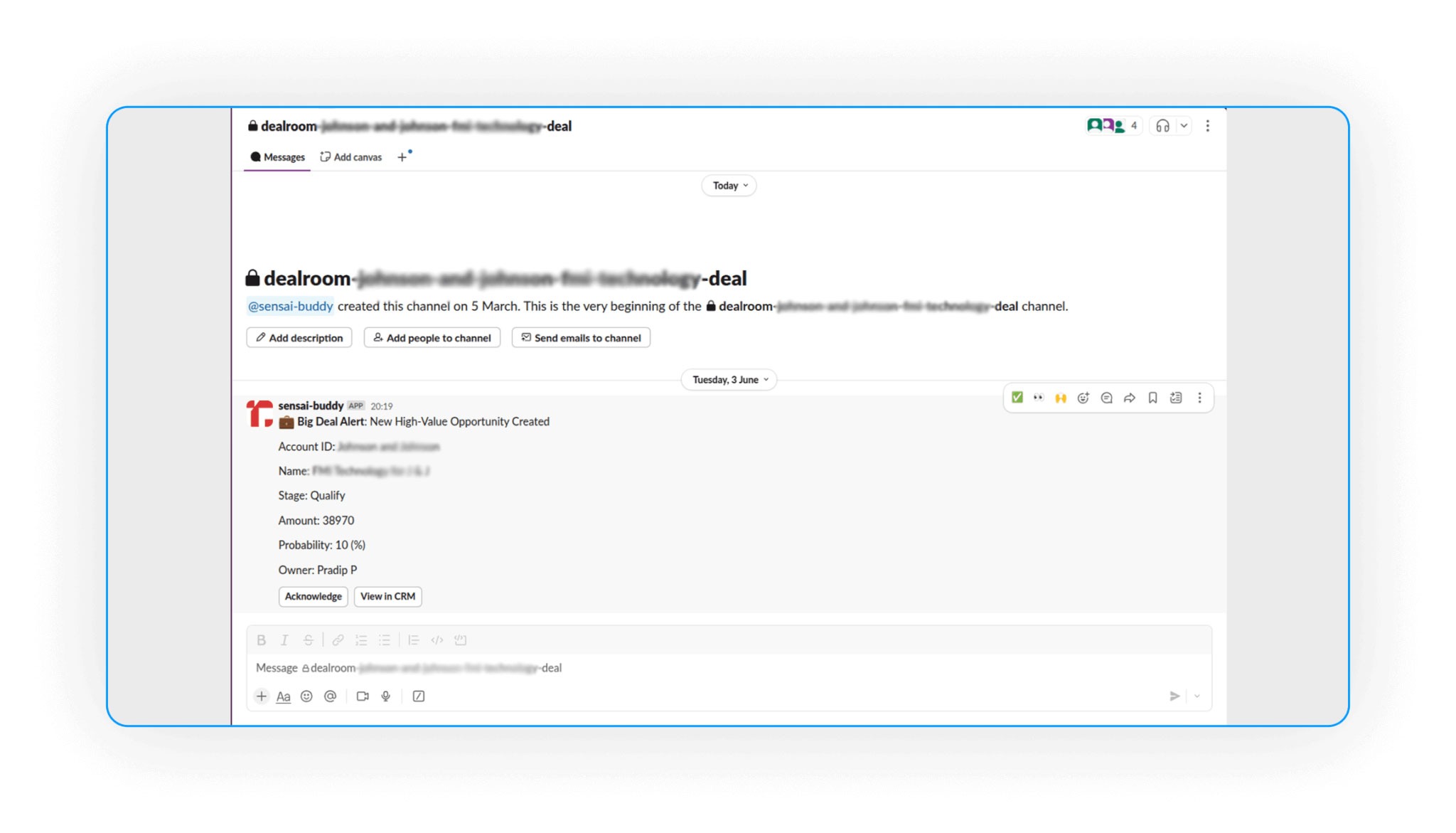
Rampp.ai transforms Slack into your AI-powered RevOps command center. Drive deal acceleration, customer success, and approvals—right within Slack and automates Salesforce hygiene.
Automatically create channels for your Deals based on custom criteria you define. Auto-add participants to Deal Room channels during various stages of your deal lifecycle.
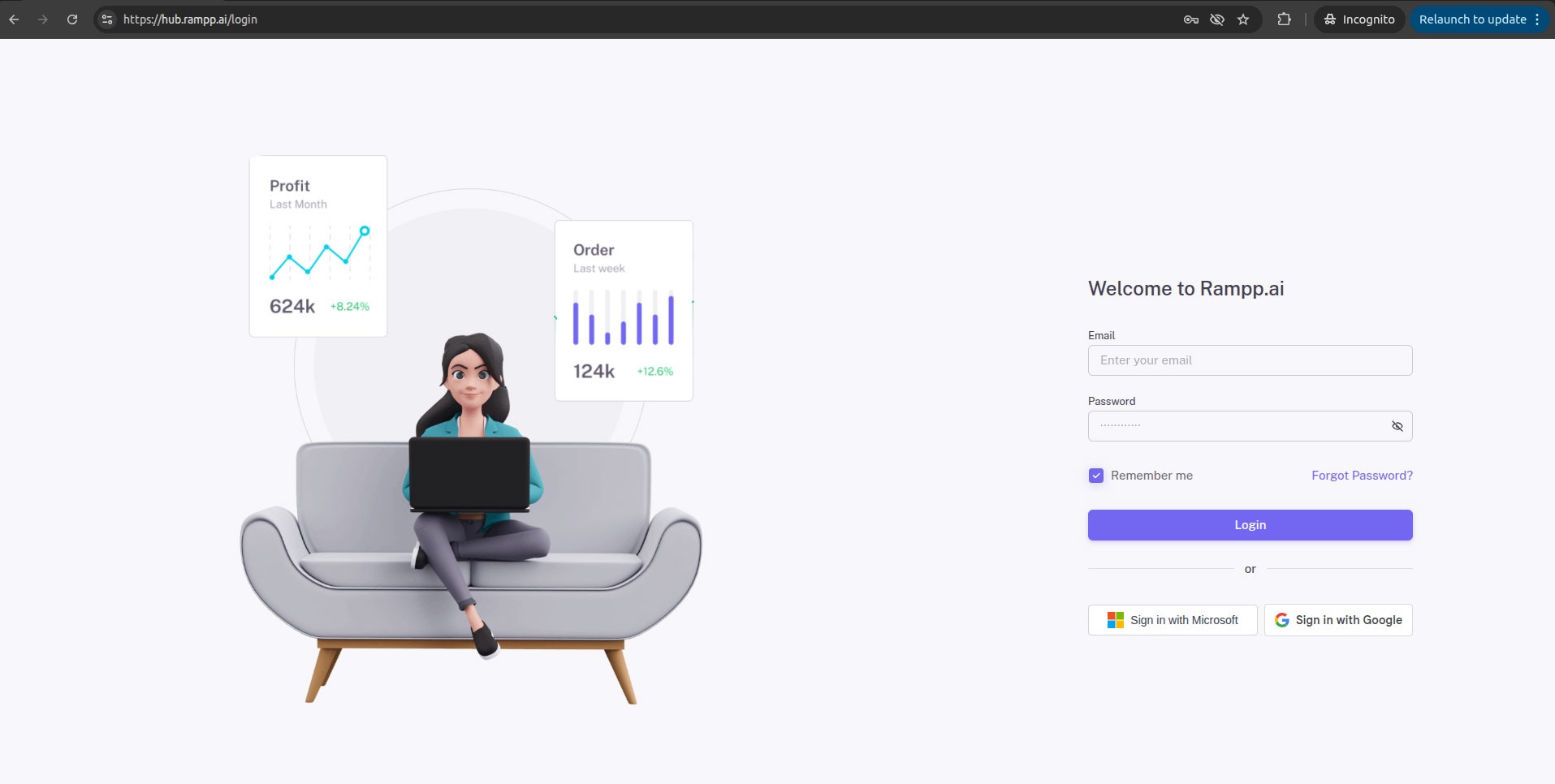
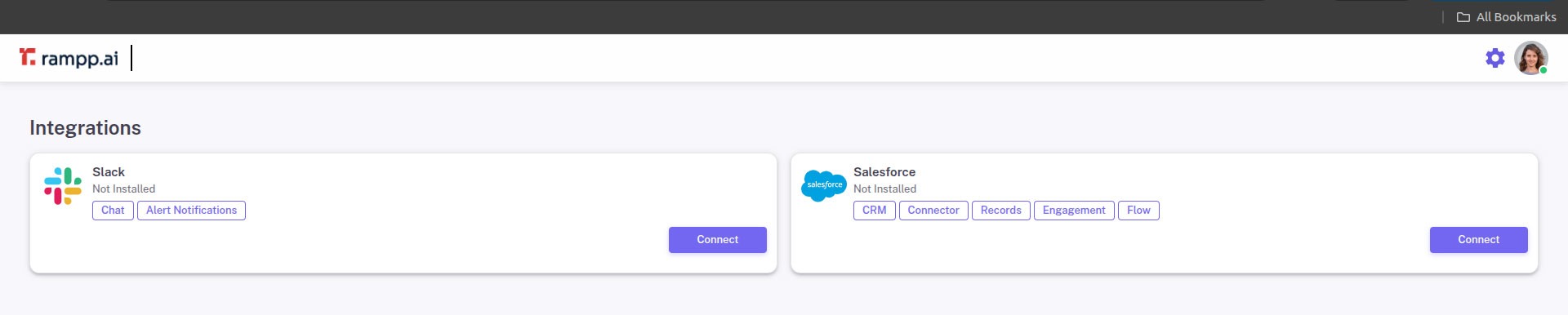
After logging in, you will be redirected to the Integration Page.
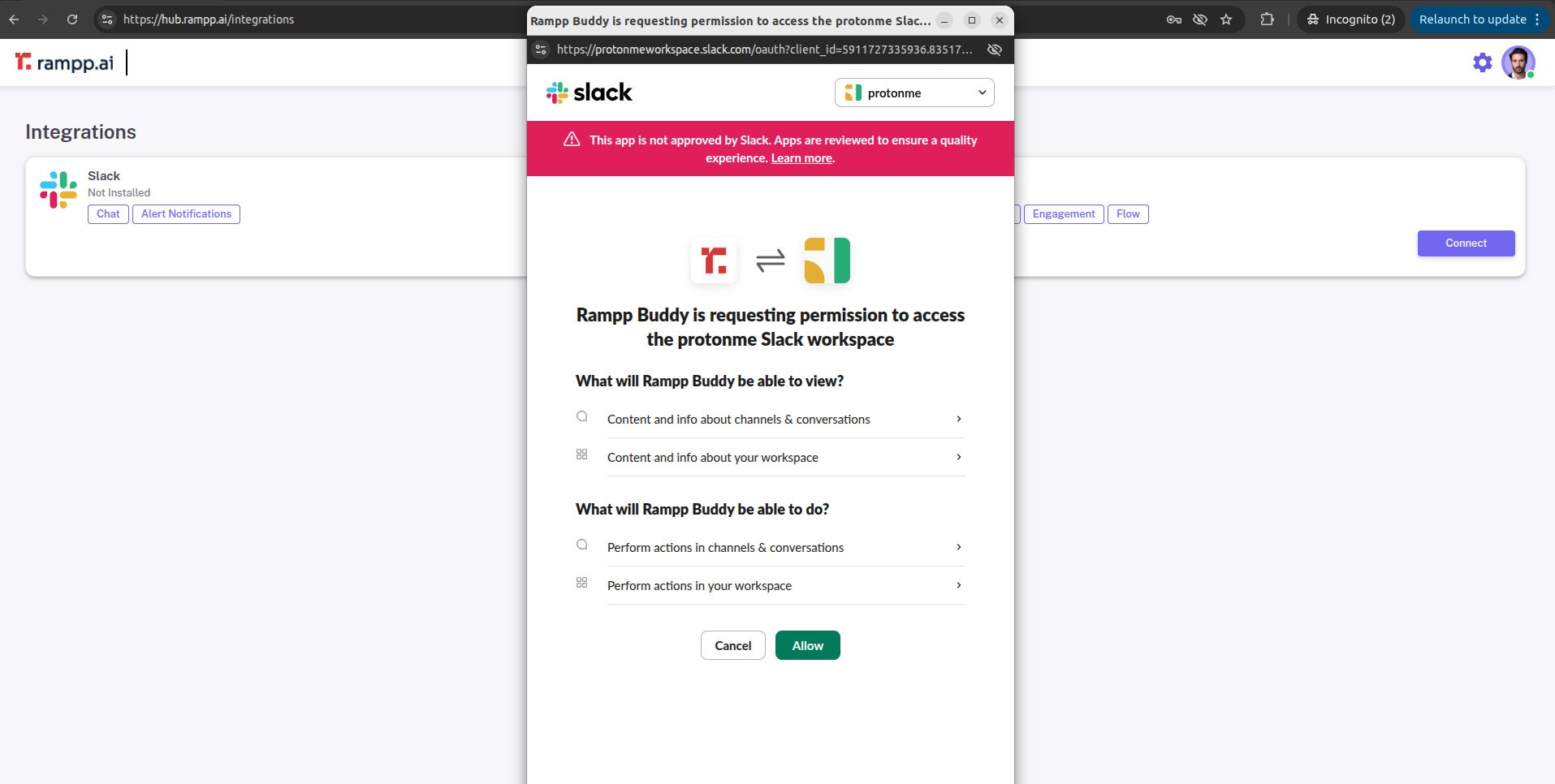
- Locate the Slack section and click Connect.
- You will be redirected to your Slack account authorization page.
- Grant the required permissions.
- If Slack is already connected, first disconnect and then reconnect to ensure proper configuration.
Note: Ensure you have the required permissions in Slack to authorize the integration.